Upflag vs Better Stack: Which One Catches the Bugs AI Wrote?
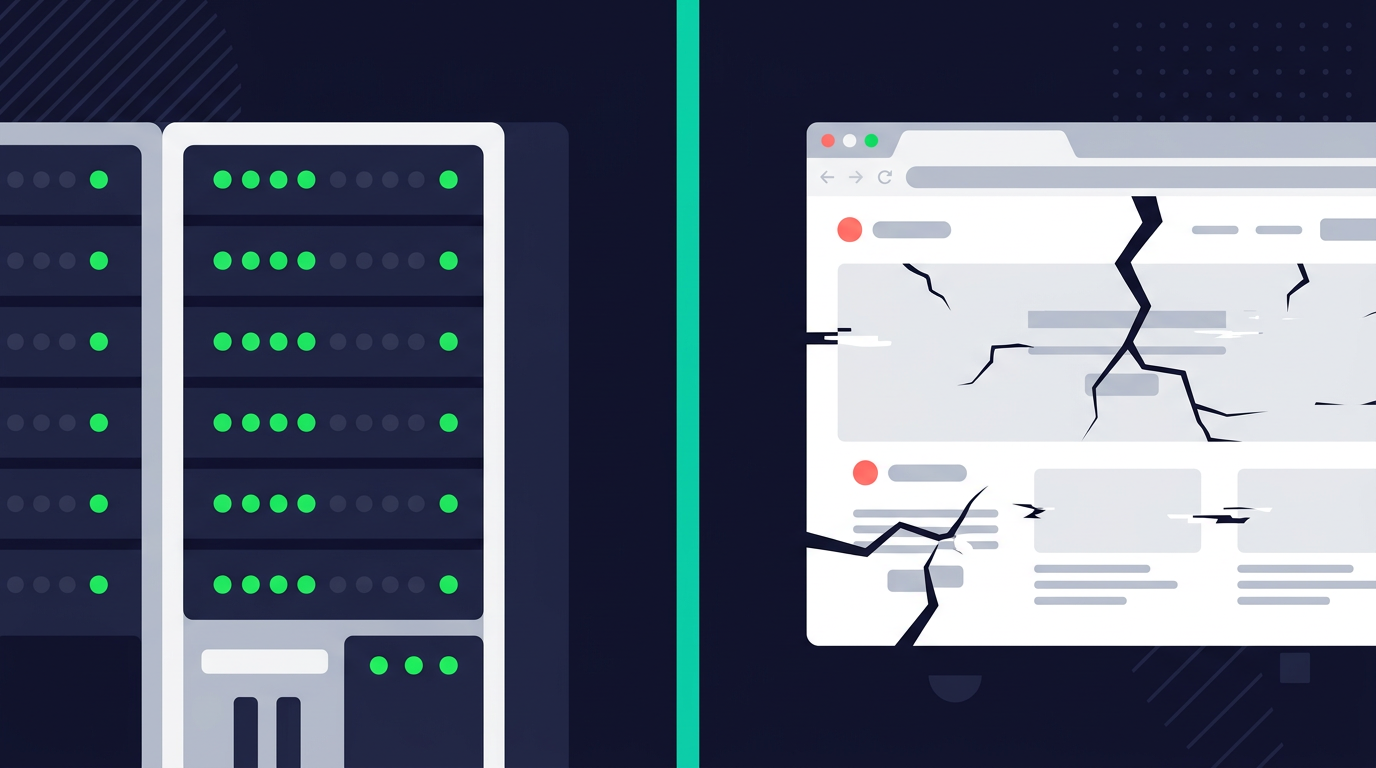
Better Stack is a good product. Uptime monitoring, log management, incident management, status pages. Clean UI. A free tier that actually works. If you need to know whether your server is responding to pings, Better Stack will tell you.
What it won't tell you: your checkout page is throwing a TypeError because Cursor refactored your payment form and broke a variable reference. Your server returns 200 OK. Your uptime monitor shows green. Your users see a white screen.
What Better Stack does well
Better Stack started as Better Uptime and grew into a broader monitoring platform. Today it bundles uptime monitoring, on-call scheduling, status pages, and log management. The free tier gives you 10 monitors.
The uptime monitoring is solid. HTTP checks, keyword checks, Playwright-based transaction checks, heartbeat monitoring for cron jobs. If your server goes down or your API stops responding, Better Stack catches it and pages you. The status pages are clean. The log management ties into the monitoring. It works.
At $29/month per responder plus $21/month per 50 monitors, it's cheaper than Datadog or New Relic. Not cheap, but not enterprise pricing.
Where Better Stack falls short for AI-built apps
It monitors servers, not browsers
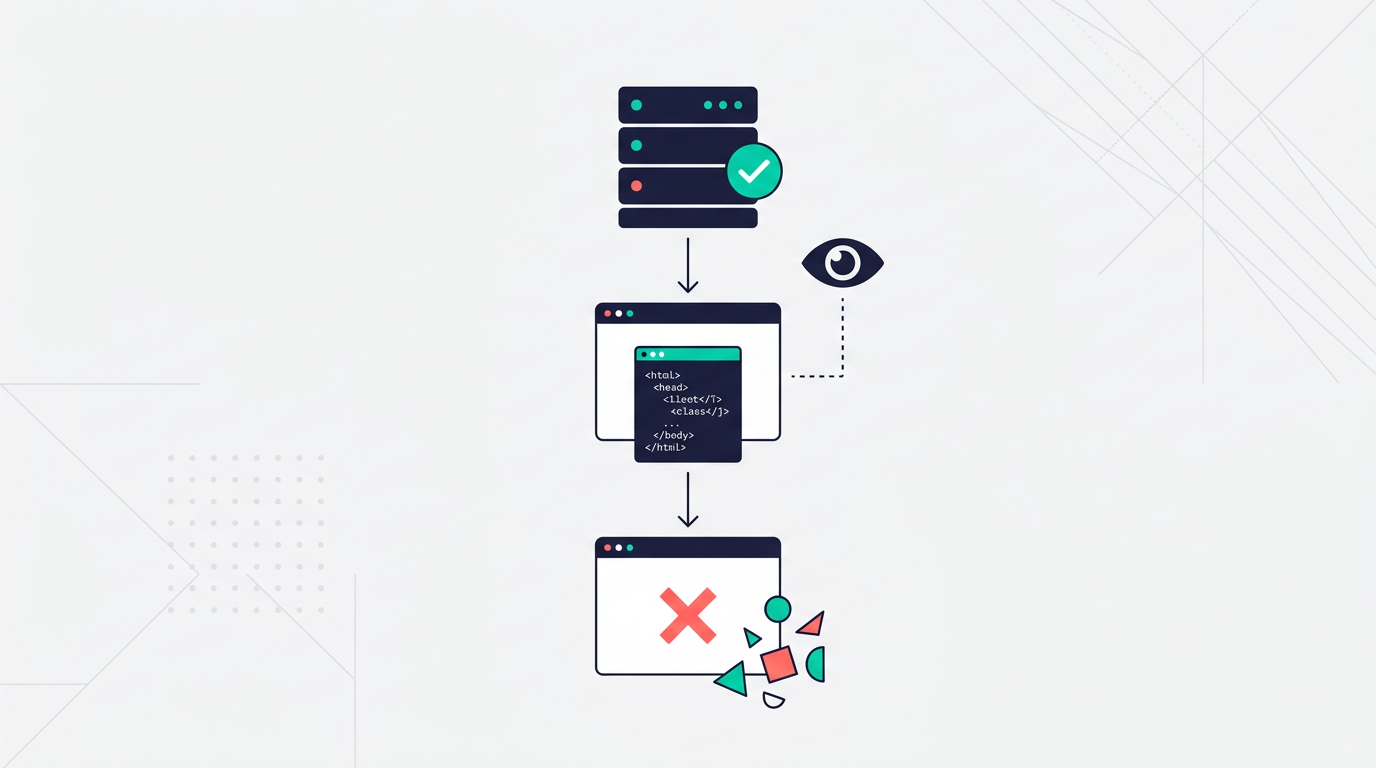
Better Stack checks whether your endpoints respond. It doesn't see what happens after the page loads. If your JavaScript throws an unhandled exception, if a React component fails to render, if an API call from the browser returns an unexpected shape and the UI breaks, Better Stack has no idea.
The bugs that AI writes tend to be client-side. The server is fine. The HTML is delivered. But the JavaScript that Cursor or Claude Code generated has a reference error, a null pointer, or a broken API call that only shows up in production with real data. Server monitoring doesn't catch any of that.
Better Stack recently added error tracking that's Sentry-compatible. But their client-side JavaScript support is basic: error messages and URLs, no source map support for minified code, no user session context. Debugging a production JavaScript error without source maps is like reading a stack trace in a language you don't speak.
Every monitor needs manual configuration
Better Stack requires you to set up each monitor individually. Add the URL, choose the check type, configure the interval, set up the alert rules. For ten endpoints, that's ten monitors to configure.
If you built your app with AI last weekend and you're not sure which endpoints matter most, you probably don't want to spend an hour deciding what to monitor. You want something that watches everything and tells you when something breaks.
No plain-English error explanations
When Better Stack catches an error, you get a log entry with a stack trace. If you know how to read stack traces, great. If you built your app with Lovable or Replit and you're not a developer by training, a stack trace is noise.
Side-by-side comparison
| Better Stack | Upflag | |
|---|---|---|
| Setup | Add monitors one by one | npx upflag init detects your framework |
| Uptime monitoring | HTTP, keyword, Playwright, heartbeat | HTTP checks, SSL, port monitoring |
| Client-side error tracking | Basic (no source maps, limited context) | Full JS error capture with plain-English explanations |
| Status pages | Included, clean design | Included, unlimited subscribers |
| Log management | Yes, core feature | No |
| On-call scheduling | Yes, with phone/SMS alerts | No |
| Pricing | Free (10 monitors) / $29+/mo per responder | Free (3 monitors) / $15/mo flat |
| Target user | DevOps teams wanting logs + monitoring | Solo builders who ship with AI |
What Upflag does differently
It watches the browser
Upflag drops a lightweight JavaScript snippet into your app. When a visitor's browser throws an error, Upflag catches it: what error, which page, what browser, what the user was doing.
Your server can return 200 OK all day. If the React component that renders your pricing page has a null reference because Claude refactored it, Upflag sees it. Better Stack doesn't.
Errors in sentences, not stack traces
When something breaks, Upflag sends: "Your /checkout page is broken. The payment form can't load because a required field is missing from the API response. 8 visitors hit this in the last hour."
The alert includes context you can paste into your AI coding tool to start fixing it. You don't need to dig through logs or correlate traces yourself.
One command, full coverage
npx upflag init
It detects your framework, installs the tracking snippet, sets up a monitor. Thirty seconds from install to first alert. You don't decide what to monitor. It monitors everything and surfaces what's broken.
Flat pricing
$15/month for the Starter plan. 1,000 errors per day, 10 monitors, unlimited status page subscribers. Your bill doesn't change when your app has a bad week.
Better Stack's pricing adds up: $29/month per responder, $21/month per 50 additional monitors, $12/month per additional status page. A solo founder with 20 monitors and one status page lands around $50/month before log ingestion costs.
When you should use Better Stack instead
Log management is the big one. Upflag doesn't do logs, and Better Stack does. On-call scheduling with phone and SMS escalation — Better Stack has that too. For server-side infrastructure monitoring with incident workflows, Better Stack covers more ground.
Better Stack is a monitoring platform for DevOps teams. It's good at that.
Upflag is for a different situation. You built something with AI. It's live. People use it. And you need to know when the JavaScript breaks, not when the server goes down. Most bugs in AI-generated apps happen on the client side, where server monitoring can't see them.
The real comparison isn't Better Stack versus Upflag
For most solo builders, the alternative to Upflag isn't Better Stack. It's nothing. No error tracking. No client-side monitoring. Finding out something broke from a customer DM or a drop in Stripe revenue.
Free plan: three monitors, one status page, 100 errors a day. No credit card.