Upflag vs LogRocket: Error Tracking Without the Replay Tax
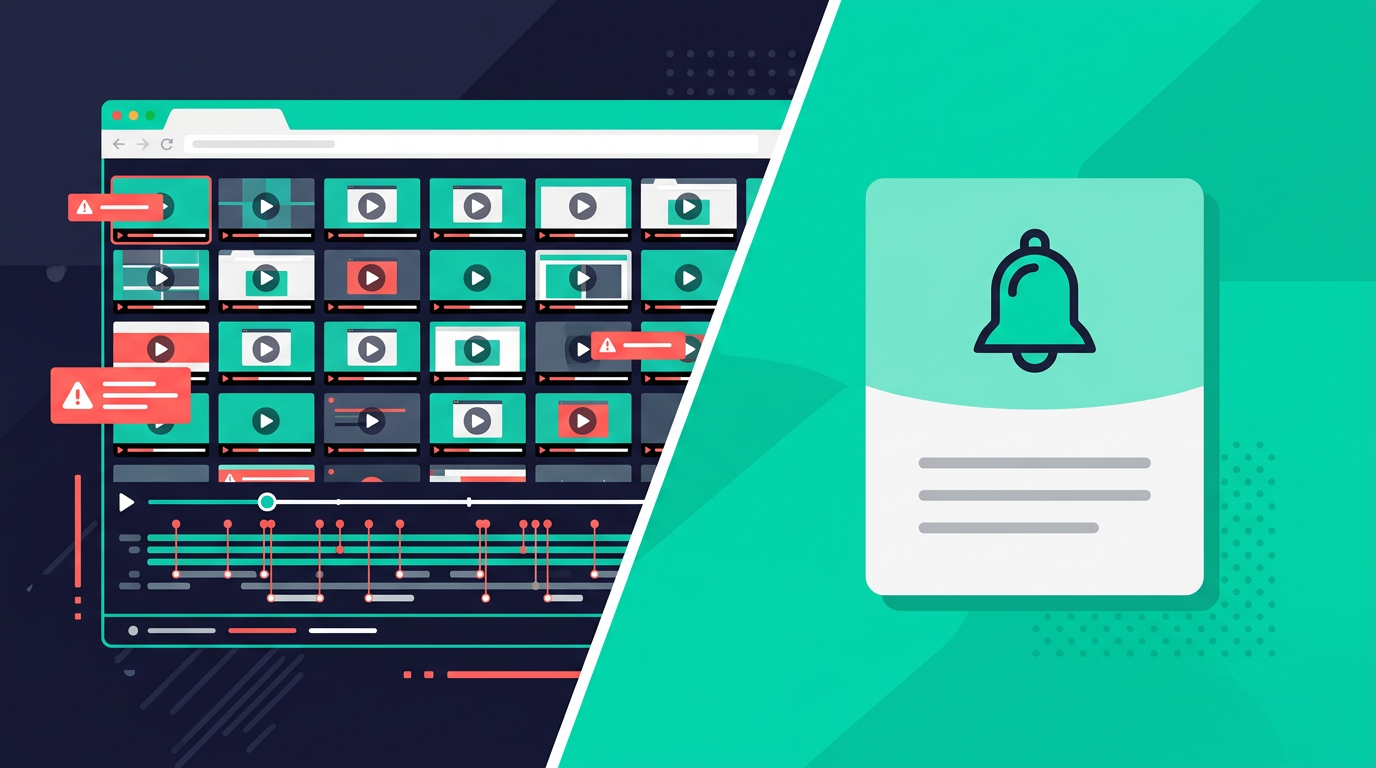
LogRocket is a session replay tool that also does error tracking. Upflag is an error tracking tool that also does uptime monitoring and status pages. They solve different problems, but if you're a solo builder searching for "error tracking," both show up.
The question is whether you need to watch a video of every user session, or whether you just need to know when something breaks. If you're shipping apps with AI tools, the answer is usually the second one.
What LogRocket does well
LogRocket records user sessions. Every click, scroll, network request, and console log gets captured as a replayable video. When a user reports a bug, you can watch exactly what they did. No more "can you send me a screenshot?"
The product analytics layer is solid too. Funnels, heatmaps, user journeys. LogRocket added AI features with their Galileo product that can surface important sessions automatically. If you're a product team trying to understand user behavior, it's a useful tool.
The free tier gives you 1,000 sessions per month with 3 seats and 1 month of data retention. Enough to evaluate the product on a small app.
Where LogRocket gets expensive fast
The free tier runs out quickly. A side project with 50 daily users burns through 1,000 sessions in under three weeks. After that, you're on the Team plan at $69/month for 10,000 sessions. Need more? 25,000 sessions costs $139/month. The Professional plan starts at $295/month.
Session-based pricing means you pay for replay whether you use it or not. Every page load counts as a session. Every session gets recorded. If all you wanted was error tracking, you're still paying for the replay infrastructure behind every session.
For a solo developer with a side project, $69/month for error tracking is hard to justify. Especially when the errors you care about most, the client-side JavaScript bugs that AI tools introduce, don't need a full video replay to diagnose.
The session replay tax
LogRocket is a session replay product. Error tracking, performance monitoring, product analytics: they're all built on top of the replay engine. If you're a product team at a funded startup trying to understand user behavior at scale, that makes sense.
If you're a solo builder, you're paying for video recording infrastructure when what you actually need is: "Your /checkout page threw a TypeError. 12 users hit this in the last hour. Here's the error and which component caused it."
The replay engine also adds weight to your app. The LogRocket SDK records DOM mutations, network requests, and console output. Useful if you're watching replays. Overhead if you just want error alerts.
Side-by-side comparison
| LogRocket | Upflag | |
|---|---|---|
| Core product | Session replay + analytics | Error tracking + uptime monitoring |
| Setup | Install SDK, configure privacy rules, set up project | npx upflag init |
| Client-side error tracking | Yes, tied to session replay | Yes, standalone with plain-English alerts |
| Uptime monitoring | No | Yes, HTTP checks, SSL, port monitoring |
| Session replay | Yes, core feature | No |
| Status pages | No | Yes, unlimited subscribers |
| Product analytics | Yes, funnels and heatmaps | No |
| Free tier | 1,000 sessions/mo, 3 seats | 3 monitors, 100 errors/day |
| Paid pricing | $69/mo (10k sessions) | $15/mo flat |
| Pricing model | Per session | Flat rate |
| Target user | Product teams, funded startups | Solo builders, vibe coders |
What Upflag does differently
Errors in plain English, not session videos
When your app breaks, Upflag sends an alert that explains what happened: which page, what error, how many users are affected, and enough context to paste into your AI coding tool and start fixing it.
You don't need to scrub through a video to find the moment things went wrong. The error itself tells you what broke.
Uptime monitoring included
LogRocket doesn't monitor whether your server is up. It only sees what happens inside the browser. If your app goes down entirely, there are no sessions to record because nobody can load the page.
Upflag monitors both sides. Uptime checks catch when your server stops responding. Client-side error tracking catches when JavaScript breaks after the page loads. You want both.
One command, not a configuration project
npx upflag init
Detects your framework. Installs the tracking snippet. Sets up your first monitor. You're getting alerts in under a minute.
LogRocket setup means installing the SDK, configuring privacy rules so you don't accidentally record sensitive user data, setting up the project in their dashboard, and deciding which sessions to record. Not hard, but it's a project. Not a command.
Flat pricing that doesn't scale with traffic
Upflag's Starter plan is $15/month. That includes 10 monitors, 1,000 errors per day, and unlimited status page subscribers. Your bill stays the same whether you have 100 users or 10,000.
LogRocket's bill scales with sessions. More users means more sessions means a higher tier. A growing side project that crosses the 10,000 session threshold goes from $69 to $139 overnight.
When you should use LogRocket instead
If you need session replay, use LogRocket. There's no replacement for watching a user's actual experience when you're debugging a weird interaction bug or a multi-step form that users keep abandoning halfway through.
Product analytics is the other reason. Funnels, heatmaps, user journey analysis. Upflag doesn't do any of that. If "is it broken?" isn't your only question and you also need to understand how people use the thing, LogRocket gives you that layer.
It makes sense for product teams with budget and apps where understanding user behavior matters as much as catching bugs.
When Upflag is the better fit
You built something with AI. It's live. You need to know when the JavaScript breaks and when the server goes down, not watch video replays of every session. Alerts that tell you what broke, in words you can act on, for a price that doesn't scale with your traffic.
That's most solo builders and most vibe-coded apps.
Free plan: three monitors, one status page, 100 errors a day. No credit card.