Upflag vs New Relic: Error Tracking Without the PhD
Someone turned on JVM-level telemetry in New Relic and their bill spiked 10x in a single month. They didn't change anything else. One toggle, one invoice they couldn't explain.
That was a G2 review from a real team. And it keeps happening, because New Relic's pricing has traps that only trigger when you're actually using the product.
New Relic is built for platform teams
New Relic does a lot. APM, infrastructure monitoring, distributed tracing, log management, synthetic monitoring, browser monitoring, mobile monitoring, AI monitoring, Kubernetes monitoring, serverless monitoring. They list 50+ capabilities on their pricing page.
If you run a fleet of microservices across multiple cloud providers and you have a team of SREs who need correlated traces across services, New Relic is a reasonable choice. It's enterprise observability software and it does that job.
But if you shipped something with Cursor last Tuesday, New Relic is not for you. And it will happily charge you as if it were.
Where New Relic falls short for solo developers
The free tier has a trapdoor
New Relic's free tier gives you 100GB of data ingest per month and one full platform user. Here's what happens at 101GB: data ingestion stops completely. You lose access to the platform until next month.
Your app is throwing errors, users are seeing broken pages, and New Relic picks that moment to lock you out. An email goes out at 85% usage, but by then you're five days from the end of the month with no headroom.
Once you exceed the free tier, it's $0.40 per GB on the standard plan. A team of five engineers with moderate logging lands at $800 to $2,000 per month. That's not a typo.
The setup takes longer than your app took to build
New Relic's onboarding process can take weeks. G2 and Capterra reviewers say this, repeatedly. The platform has so many features that figuring out which ones you actually need is its own project.
You install an agent, configure environment variables, set up alert policies, build dashboards, define service maps. If you built your app with AI in a weekend, the monitoring setup shouldn't take longer than the app itself.
The dashboard assumes you already know everything
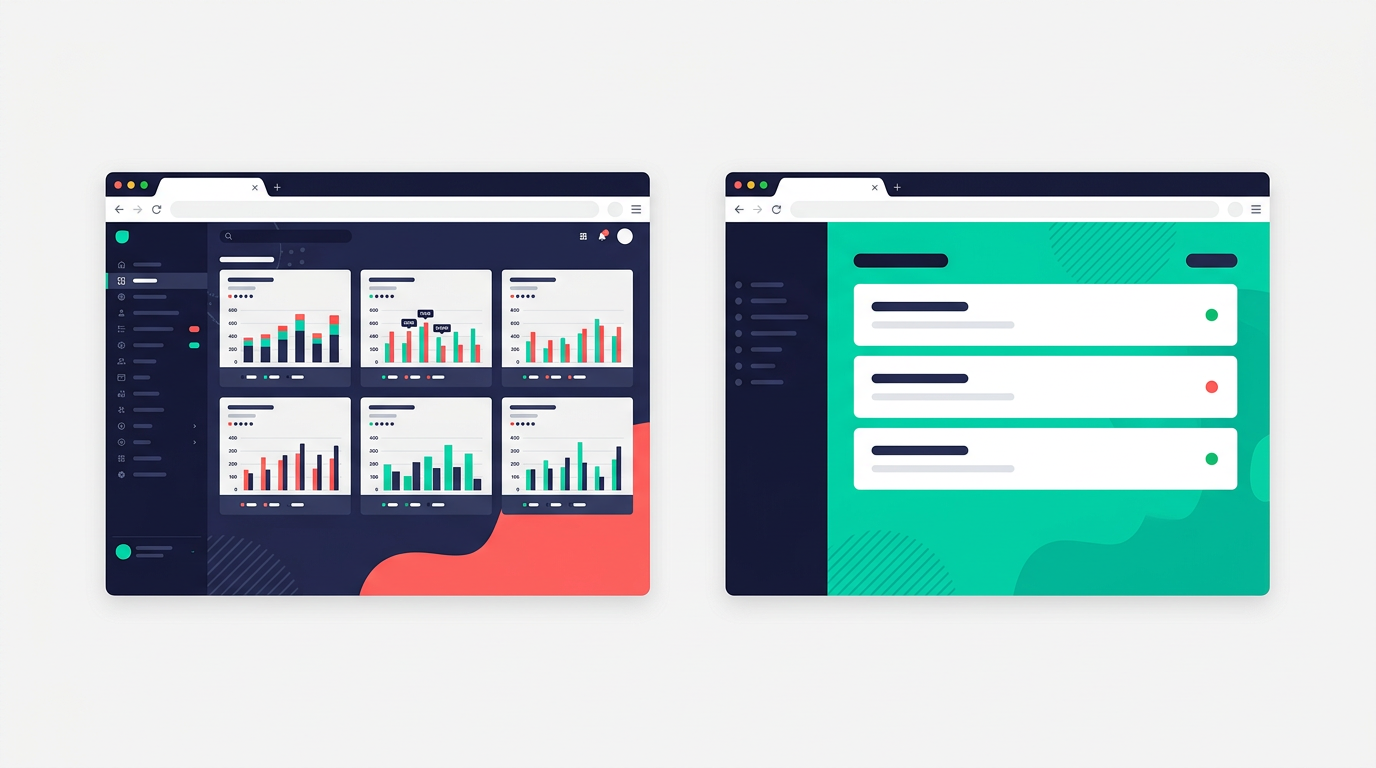
Review after review calls the UI "overwhelming." One G2 reviewer said the learning curve is steep because of the "sheer number of options and data points available." Another said it's "better suited for experienced professionals rather than beginners."
If you don't know what a distributed trace is, New Relic won't teach you. It'll show you 50 dashboards and let you figure out which one matters.
Per-user pricing punishes growing teams
New Relic charges $49 to $99 per month per "full platform user." Core users and basic users are free, but anyone who needs to create dashboards, run queries, or configure alerts counts as a full user.
Bring on a co-founder? That's another $49 to $99 per month on top of your data costs. Hire a contractor to help debug something? Same thing. The price scales with your team, not your usage.
Side-by-side comparison
| New Relic | Upflag | |
|---|---|---|
| Setup time | Weeks (per user reviews) | 30 seconds (npx upflag init) |
| Free tier | 100GB data, 1 user, cuts off at limit | 3 monitors, 100 errors/day, never cuts off |
| Paid pricing | $0.40/GB + $49-99/user/month | $15/month flat |
| Error alerts | Stack traces, log correlations | "Your /checkout page is broken. 12 visitors hit this." |
| Target user | SRE teams with 10+ services | Solo founders who ship with AI |
| Dashboard | 50+ views, distributed tracing, APM | One screen: what's broken, since when, how many affected |
| Billing model | Usage-based, per-user, per-GB | Flat monthly fee |
What Upflag does instead
I keep meeting people who shipped something with Cursor or Claude Code, got their first paying customers, and have no idea when things break. They find out from a customer email. Or a tweet. That's why I built Upflag.
Plain-English error alerts
When your app throws an error, New Relic shows you a transaction trace with spans, segments, and metadata. Upflag sends: "Your /checkout page is broken. The payment form can't load because a required piece of data is missing. 12 visitors hit this in the last hour."
The alert includes what to paste into your AI coding tool to start fixing it.
One command to set up
npx upflag init
It detects your framework, drops in a tracking script, creates a monitor. No agents, no environment variables, no alert policy configuration.
Flat pricing that doesn't spike
Free plan: 3 monitors, 1 status page, 100 errors per day. Starter: $15/month, 1,000 errors per day. A bad week doesn't change what you owe.
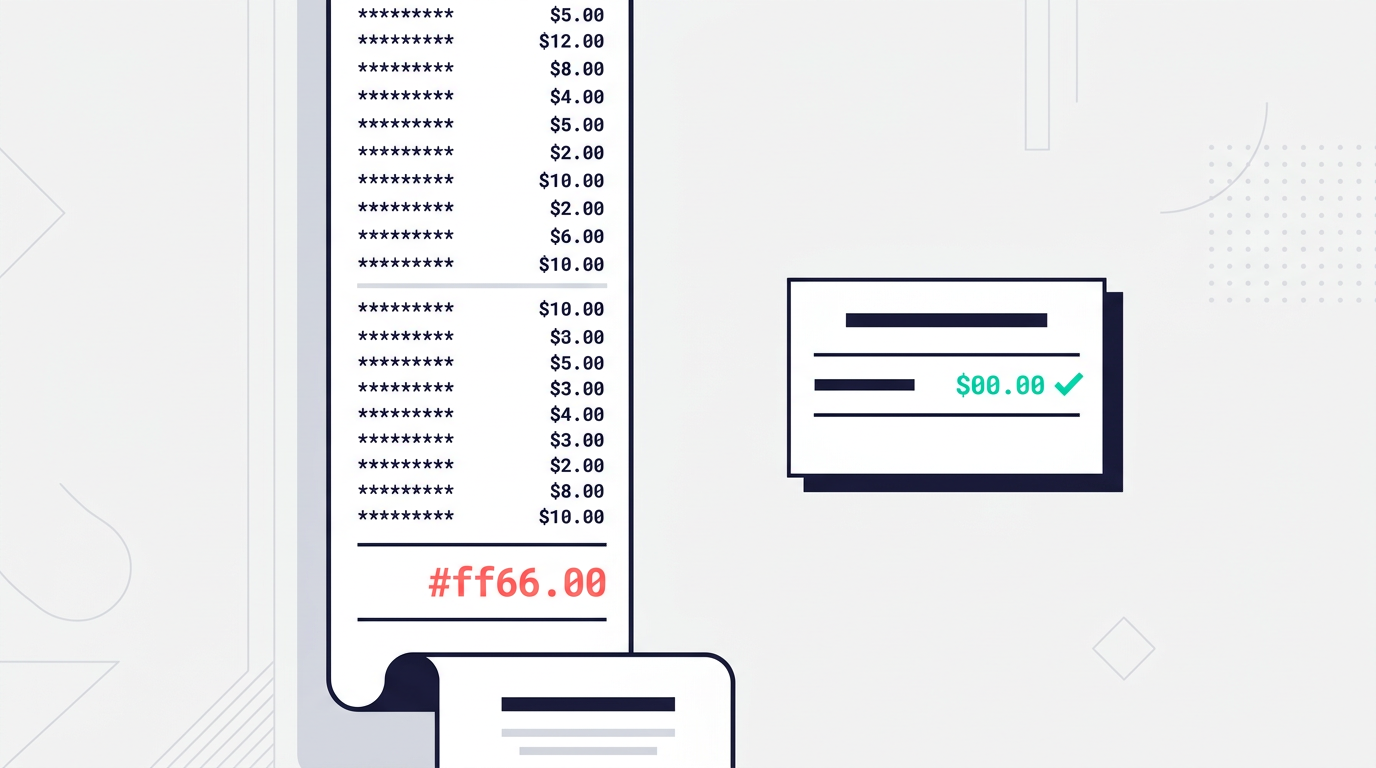
With New Relic, your bill goes up when your app goes down. That's the wrong incentive.
When you should use New Relic instead
If you have a platform team, multiple services that need correlated tracing, and an observability budget measured in thousands per month, New Relic makes sense. It's mature software that solves hard problems at scale.
Upflag is for a different situation. You built something, probably with AI. It's live. People are paying for it. And you need to know when it stops working, without configuring a platform that's more complex than the app you're monitoring.
Most AI-built apps have no monitoring at all
The alternative to Upflag isn't New Relic. For most solo founders, the alternative is nothing. No alerts at all. They find out something broke when revenue drops or a customer leaves.
Free plan: three monitors, one status page, 100 errors a day. No credit card.