Your Vibe-Coded App Is Live. Now What?
Your Vibe-Coded App Is Live. Now What?
You built the thing. Cursor, Claude Code, Lovable, Replit — whatever tool got you from idea to deployed app in a weekend. It works. Users are signing up. Maybe even paying.
Then something breaks at 3 AM and you don't find out until a customer emails you two days later.
The tools that help you build fast don't help you know when things stop working. And the traditional monitoring tools (Sentry, Datadog, New Relic) were designed for teams with dedicated SRE staff, not solo builders shipping with AI.
Here's what actually matters for production monitoring when you're building alone.
Why vibe-coded apps break differently
AI-generated code breaks in ways that hand-written code usually doesn't. Not worse, just sneakier. You didn't write every line, so you don't always know what changed.
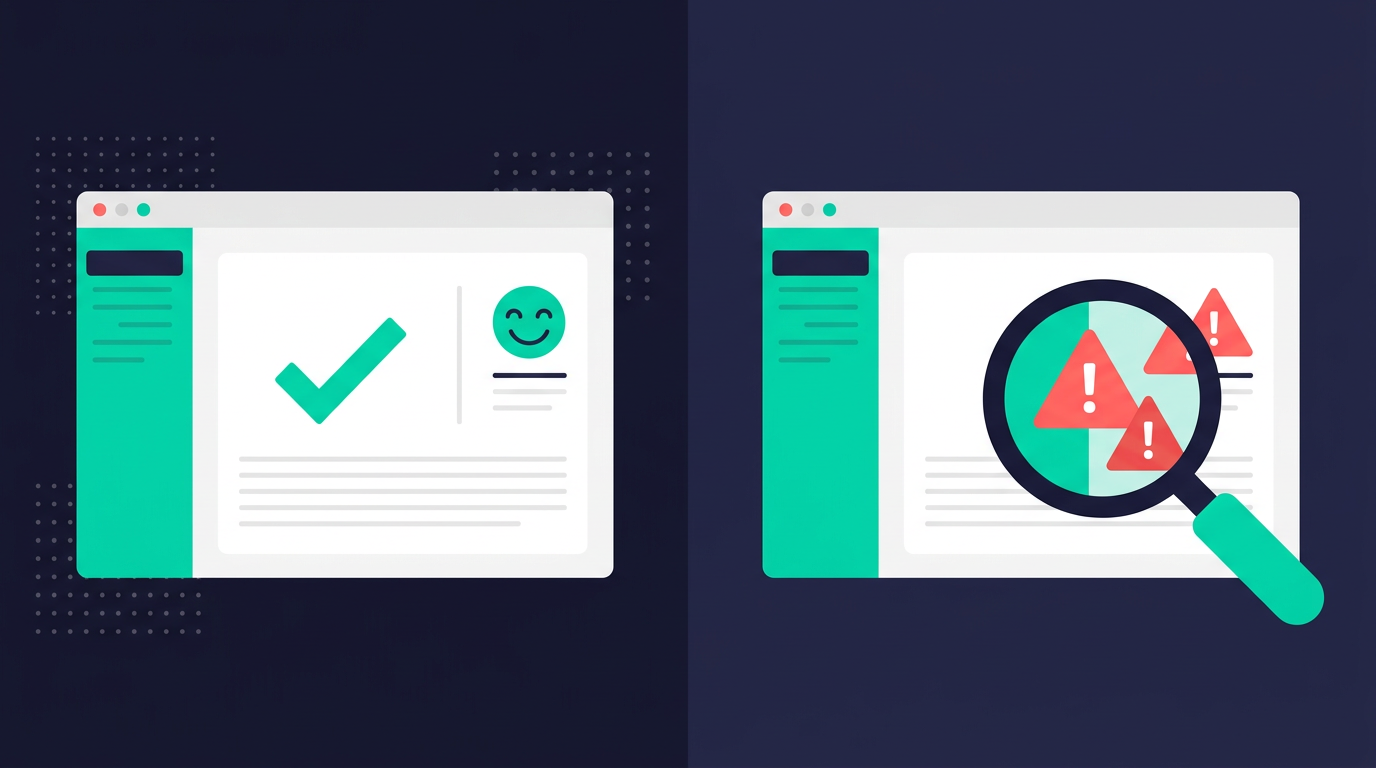
The big one is silent breakage. You ask the AI to refactor a feature and it quietly changes something it wasn't supposed to touch. I had a marketer running Facebook ads with pixel tracking for conversions. A code change broke the pixel. No error. No crash. No alert. The marketer noticed weeks later because ad spend was being wasted with zero conversions.
The app was running fine. It just wasn't doing what it was supposed to do.
I've seen this play out in a few ways:
I shipped unauthenticated admin endpoints on a project I'd extensively planned out with AI. Experienced developer, full planning process, still happened. The volume of AI-generated code makes it easy to miss things in review.
Signup works, dashboard works, but the payment confirmation email stopped sending after a refactor three commits ago. Nobody noticed because the happy path still looked fine.
Users report that data "looks wrong" but the root cause could be anywhere: client error, server error, even a CSS change that hides a UI element. Debugging data quality issues is a rabbit hole because the symptom is so far from the cause.
Third-party integrations break silently too. Webhooks, analytics scripts, payment callbacks. The AI doesn't know these exist when it refactors your API routes.
In all of these, the app doesn't crash. It just stops doing something important.
What traditional monitoring gets wrong for solo builders
You've probably heard you should set up Prometheus and Grafana. Or Sentry. Or Datadog. Here's why those recommendations miss the mark.
Prometheus + Grafana is incredible infrastructure monitoring. It's also massive overkill for a solo dev. You're not running a Kubernetes cluster. You're running a Next.js app on Vercel. The setup time alone will eat your entire Saturday.
Sentry is the default answer for error tracking. It works, but the setup isn't trivial — especially in AI-generated codebases where you need to figure out which framework integration to use, how to configure source maps, and where to put the initialization code. Event-based pricing also means one bad deploy that throws 50,000 errors can blow up your bill.
Datadog is built for enterprise teams. The pricing structure is literally designed to scale with headcount and infrastructure complexity. A solo builder with one app doesn't need distributed tracing. They need to know if the checkout flow is broken.
These tools were built for companies with SRE teams. If you're one person shipping with AI, you need something way simpler.
The minimum viable monitoring stack
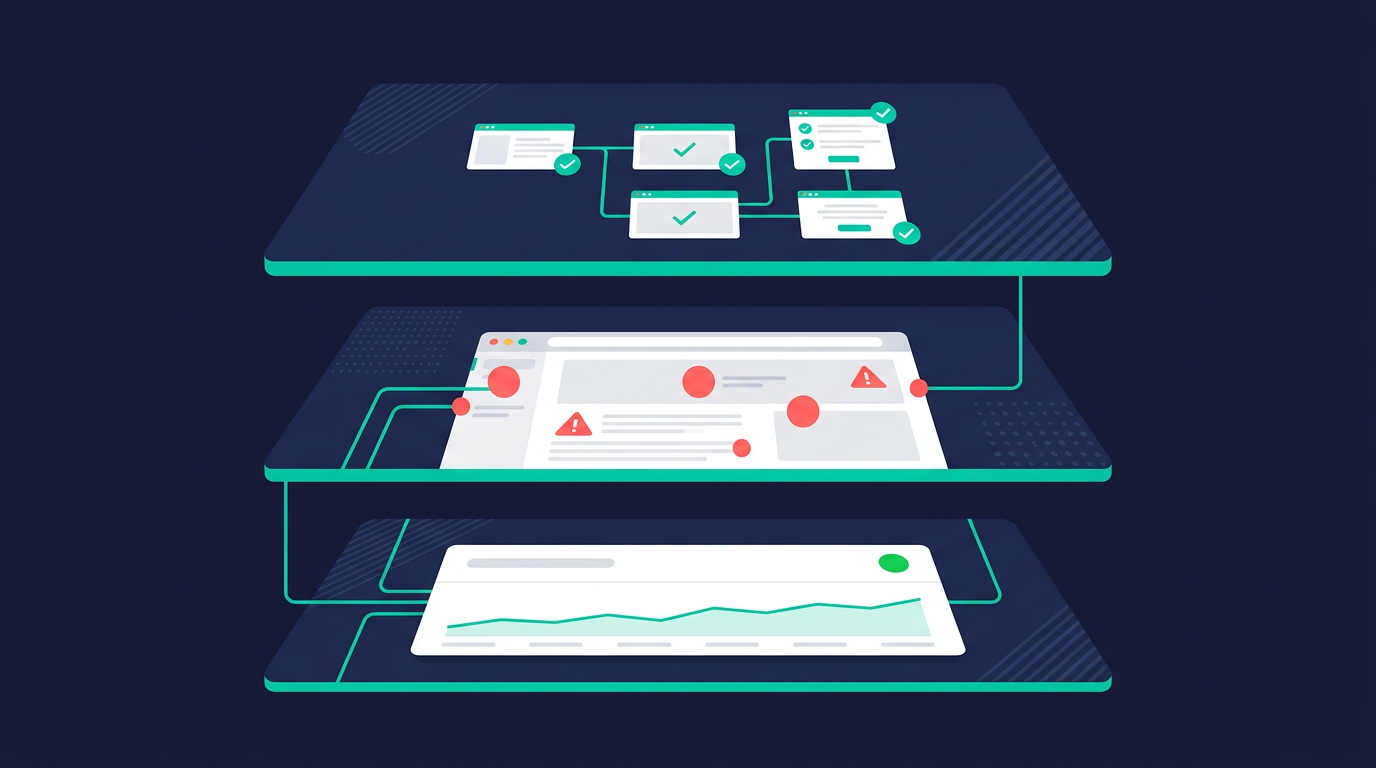
You don't need everything on day one. Here's what actually matters, in priority order.
1. Uptime monitoring
Think of this like having someone check if your store is open. Every few minutes, a service visits your website and checks if it loads. If it doesn't, you get a text or an email.
That's it. No code to understand, no dashboards to watch. Your site is either up or it's not, and you'll know within minutes if it goes down.
Why does a site go down? Lots of reasons you don't need to fully understand: your hosting provider has an issue, something expires behind the scenes, a deploy goes wrong, or your app just crashes. The point is, without uptime monitoring, you won't know any of this happened until a user tells you — or worse, until they just leave and never come back.
2. Client-side error tracking
Your app can break in ways that are invisible to you but very visible to your users. A button that does nothing when clicked. A page that loads blank. A checkout form that won't submit. The app doesn't crash — it just quietly stops doing something important.
These are JavaScript errors. They happen in the user's browser, not on your server, which is why you don't see them. You could have hundreds of users hitting a broken signup form right now and you'd have no idea.
Client-side error tracking adds a small script to your app that watches for these failures and reports them back to you. When something breaks, you get told what happened, on what page, and how many users it affected.
That broken Facebook pixel I mentioned? An error tracker would have caught it the moment the pixel code failed to load. Instead I found out from the marketer, weeks later.
3. Key flow testing
Pick the 2-3 things your app absolutely must do — signup, payment, the core feature — and write automated tests that verify those flows actually work.
You don't need to test everything. Just the stuff where breakage means lost money or lost users.
The tool for this is called Playwright. It opens a real browser and clicks through your app like a user would. Sign up, fill in the form, click submit, check that the confirmation page shows up. If any step fails, it tells you. You can have your AI write these tests for you — tell it "write a Playwright test that signs up a new user and verifies they see the dashboard."
The key is making these tests run automatically. If you're using GitHub, you can set up CI/CD (continuous integration / continuous deployment) — which just means "run my tests every time I push code." GitHub Actions does this for free. Every time you push a change, your tests run, and if something is broken you find out before your users do.
AI refactors touch more code than you expect. The thing that breaks is often a flow you weren't even working on. Automated tests catch that.
Getting set up
If all of this sounds like a lot of work, it's not. One command:
npx upflag init
That walks you through connecting your app. Uptime monitoring and error tracking, running in under a minute.
If you're building with an AI coding tool like Cursor or Claude Code, there's also an MCP server that lets you set up and manage monitors right from your editor. Tell your AI "add uptime monitoring for my production URL" and it handles it.
Setup guides by tool
Different vibe coding tools have different deployment setups. We have dedicated guides that walk you through the specifics:
- Lovable — add monitoring to Lovable apps with one script tag
- Cursor — set up via MCP or CLI from your Cursor project
- Claude Code — works with the MCP server or
npx upflag init - Replit — add to your Replit app without leaving the editor
Each one takes about 30 seconds. No config files, no build pipeline changes.
When to start
Not before launch. You're still iterating too fast for monitoring to be useful.
But once you'd be genuinely upset to learn a core feature was broken for a day without you knowing, that's when. Probably earlier than you think.
If money is flowing through your app, monitoring is not optional. A broken payment flow running for 48 hours undetected isn't a bug report. It's revenue you can't get back.
Building isn't the hard part anymore. Everyone can build. The hard part is knowing whether what you built is still working.
Upflag is uptime monitoring, error tracking, and status pages built for vibe coders. One command to set up. Free plan available. Get started.